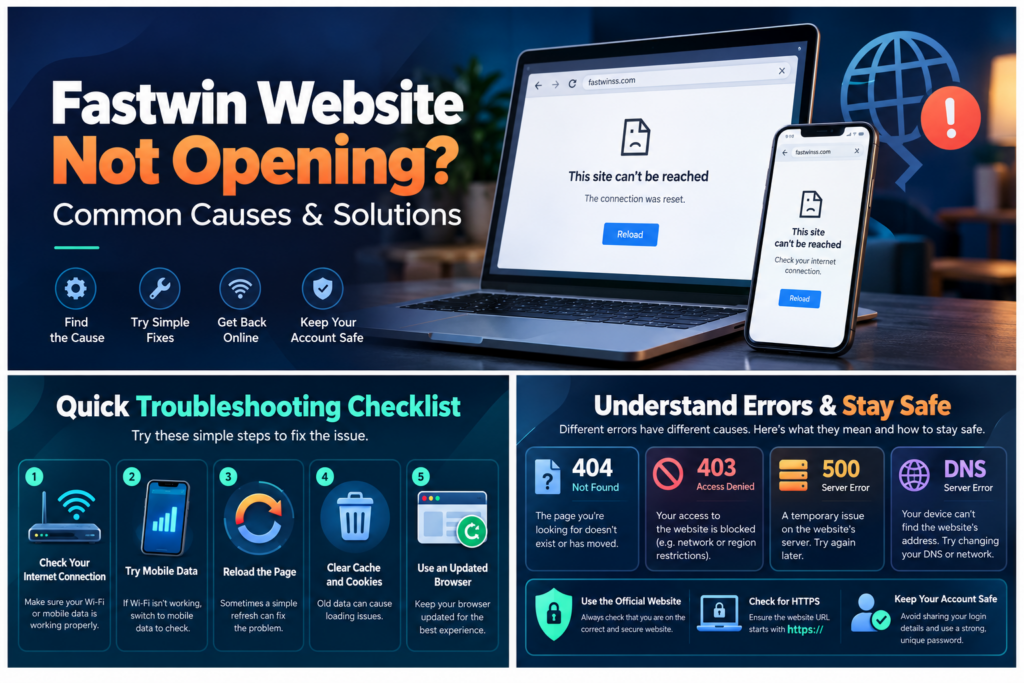
Fastwin Website Not Opening? Common Causes and Solutions
Trying to visit the Fastwin website but seeing a blank screen, a loading error, or a message saying “This site can’t be reached”? Website access problems can happen for several reasons, including unstable internet connections, browser settings, server errors, outdated links, and DNS issues. The good news is that many common website loading problems can be diagnosed using simple troubleshooting steps. If the Fastwin website is not opening, the first step is to identify whether the problem comes from your device, internet connection, browser, or the website’s server. This guide explains the possible causes, what different error messages mean, how to troubleshoot website access on Android, iPhone, and desktop computers, and how to protect your account information during an outage. Quick Answer: Why Is the Fastwin Website Not Opening? If Fastwin is not loading, the problem could be caused by a temporary server interruption, network connectivity issue, browser cache, DNS resolution error, or an incorrect website address. Try the following basic checks: Important: A website access error does not automatically mean that the platform has permanently closed, your account has been blocked, or your login details have changed. 1. Common Reasons Why the Fastwin Website Is Not Working Understanding the possible reason behind an error can prevent unnecessary changes to your phone, browser, or account settings. 1.1 Unstable Internet Connection One of the most common reasons a website fails to load is an unstable internet connection. Even when your phone shows a Wi-Fi or mobile data signal, the actual connection may be slow or temporarily interrupted. Common symptoms include: Solution: Open another trusted website to test the connection. If multiple websites fail, restart your router or troubleshoot your mobile network before assuming the Fastwin server is unavailable. 1.2 Temporary Server Problems Websites depend on servers to deliver their pages and handle user requests. If the hosting server experiences a technical problem, users may encounter errors such as 500, 502, 503, or 504. Possible reasons include server maintenance, application errors, an overloaded server, or issues with upstream infrastructure. Solution: If the issue affects multiple devices and networks, it may be server-side. Avoid repeatedly submitting login forms or payment requests. Check for a verified service announcement and try again when the issue has been resolved. 1.3 Browser Cache and Cookies Browsers store temporary information to help websites load faster. Sometimes this stored data becomes outdated or conflicts with recently changed website files. For example, a browser may continue using an old stylesheet, script, or login session even after the website has been updated. Solution: Try a private browsing window first. If the website works there, the problem may involve browser extensions, cookies, or cached files. You can then clear the stored data for the affected website rather than deleting all browser history. 1.4 Incorrect or Outdated Website URL Entering the wrong website address may lead to a 404 error, a completely different website, or a failed connection. Old bookmarks and links shared through messaging apps can also become outdated. Solution: Check the exact spelling of the website address and avoid shortened or unfamiliar links. For readers of this blog, the website address is fastwinss.com. However, the presence of a familiar name or logo alone does not prove that another domain is affiliated with it. 1.5 DNS Resolution Problems The Domain Name System (DNS) helps a browser find the server associated with a domain name. When DNS resolution fails, your browser may display messages such as DNS_PROBE_FINISHED_NXDOMAIN or “Server IP address could not be found.” Potential causes include incorrect DNS records, local DNS cache problems, or temporary resolver failures. Solution: Restart the browser or network connection and test another trusted website. If the problem continues, contact your internet service provider or seek technical assistance before changing advanced network settings. 1.6 Browser Compatibility Problems Outdated browsers may have difficulty loading modern websites. Problems can also arise when browser extensions block necessary scripts or when security settings prevent certain resources from loading. Solution: Update Chrome, Firefox, Edge, or Safari to a supported version. Test the website without unnecessary extensions, but do not weaken essential browser security protections. 1.7 Regional or Network Restrictions Some online services may be unavailable on certain networks or in specific jurisdictions. A restriction can produce an access-denied message, an unusual redirect, or a connection failure. These situations should not be confused with ordinary browser problems. Solution: Check applicable local rules and contact your internet provider or an appropriately verified service representative. Do not use unverified mirror websites or tools intended to evade legal or security restrictions. 2. How to Fix Fastwin Website Not Opening on Android Android users commonly access websites through Chrome or another mobile browser. If the Fastwin website is not loading on Android, follow these steps. Step 1: Check Mobile Internet Open another familiar website and confirm that it loads normally. If necessary, briefly toggle airplane mode or restart your network connection. Step 2: Reload the Website Close the affected tab, open a new tab, and enter the correct address manually. Step 3: Update Your Browser Open the Google Play Store and check whether an update is available for your browser. Using an up-to-date browser improves compatibility and security. Step 4: Test a Private Window Open Chrome’s menu and select New Incognito Tab. Enter the website address and check whether the page loads. If it does, review your normal browser’s cookies, cache, and extensions. Step 5: Clear Affected Website Data In Chrome, use Settings and the relevant site settings or browsing-data controls to remove stored information. Be aware that clearing cookies can sign you out of websites. Step 6: Restart the Device A restart can resolve some temporary networking or browser-related problems. If the website still fails across browsers but other websites work, the problem may not be caused by your Android device. 3. How to Fix Fastwin Website Not Opening on iPhone iPhone users may experience similar problems through Safari, Chrome, or other browsers. Start by confirming that mobile data or Wi-Fi is functioning. Next, close